Node.js Security Update: How to Check If You're Affected
By Kip LeGate, Chief Security Officer
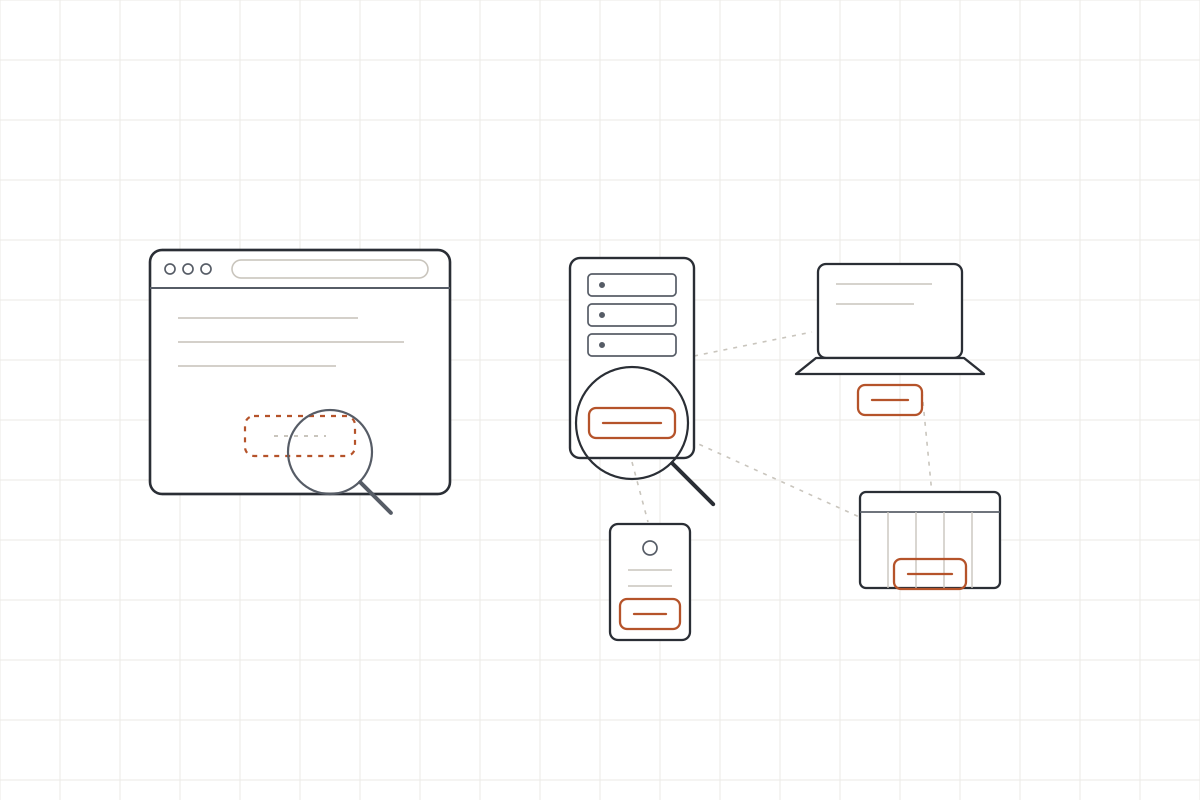
To check whether the October 2026 Node.js security update applies to you, run node -v on every machine and service that runs Node, and compare the number to the three patched releases: 22.23.4, 24.22.1, and 26.12.1. Anything below the patched version on its line should be updated. This note is for whoever keeps the servers running, in-house or at an MSP, and the point of it is the part most coverage skips: a Node.js security update is not something you can confirm by looking at your website.
On October 21, 2026, the Node.js project shipped a security release fixing ten issues across the supported lines. The one getting the headlines is a flaw in the Brotli decoder, tracked as CVE-2026-111497, that can lead to remote code execution. The job this week is small and boring: find every place Node runs, check the version, and bump the ones that are behind. Finding every place is the part that takes attention.
Updated October 26, 2026: Microsoft has shipped the same fix for .NET, and the flaw turns out to sit in Google’s Brotli library itself, which reaches Python and other software too. That has its own section below.
What the October Node.js security update fixes
The headline bug is in Brotli, which is a compression format Node uses to shrink and expand web traffic, the same idea as gzip. The decoder is the part that expands compressed data back out. A malformed compressed blob can make it write outside the memory it is supposed to use, and in the worst case that can be steered into running an attacker’s code. That class of bug is called an out-of-bounds write. It needs an attacker to get crafted compressed data into a path your application decompresses, so it is not a push-button break-in, but remote code execution is serious and worth closing promptly. Node rates it High. Node gives labels rather than numbers, but others have since scored it: Microsoft puts it at 8.1 out of 10 (High), and GitHub’s advisory rates it 9.2 (Critical) on the newer version of the scoring system, which is why some security notices are calling it critical.
As of this update, no attacks in the wild have been reported, and CISA’s assessment on the CVE record listed no known exploitation as of October 23. Proof-of-concept code is public, and researchers at Imperva showed code execution against an official Node.js build in their lab, though it took several attempts and they have not released that exploit. So patch this week, in a normal change window.
The other nine are a mix. Two are TLS certificate checks that can be tricked into trusting the wrong host, one is a DNS handling problem, and the rest are lower-severity issues in keep-alive connections, randomness, and the permission model. Several of those touch ordinary outbound HTTPS and DNS, which is why updating matters even if your app never touches Brotli directly.
Here is where each line stands:
| Node.js line | Status | Patched version |
|---|---|---|
| 26.x (current) | Supported, affected | 26.12.1 |
| 24.x (LTS) | Supported, affected | 24.22.1 |
| 22.x (LTS) | Supported, affected | 22.23.4 |
| 20.x and 18.x | Past support | No fix ships; move to 22 or 24 |
The release also refreshed bundled components like OpenSSL, c-ares, Undici, and SQLite, which comes along with the update automatically.
The same Brotli flaw in .NET, Python, and other software
The bug is in Google’s Brotli library itself, the shared code that Node and many other programs use to decode Brotli data, so Node was just the first to ship a fix. Google patched the library in versions 1.0.10, 1.1.1, and 1.2.1, and the projects that use it have been following.
.NET. Microsoft shipped fixes on October 25 in .NET 8.0.33, 9.0.22, and 10.0.14 (Microsoft’s advisory). The good news is that .NET does not decompress Brotli data by default. An app is only exposed if someone turned that on: request decompression in ASP.NET Core (Microsoft’s web framework), automatic decompression in HttpClient (the built-in way .NET apps call other web services), or direct use of the BrotliStream or BrotliDecoder classes. .NET Framework, the older Windows-only version, is not affected. Updating the runtime is still simpler than auditing every app’s settings, so update and restart the apps. Two kinds of app need more than that: self-contained apps, which ship their own copy of the runtime, and NativeAOT apps, which are compiled into a single file. Both have to be rebuilt and redeployed. On any machine, dotnet --list-runtimes shows which versions are installed.
Python. The Python packages Brotli and brotlicffi compile the same code, and the fixes are 1.2.1 and 1.2.1.0 (GitHub’s advisory). Your code does not have to use them directly to be exposed: common libraries like requests use Brotli on their own to unpack compressed web responses whenever the package is installed. pip show brotli brotlicffi tells you whether either one is there and which version.
Everything else. Linux servers usually carry the library as a system package, often named libbrotli1 or brotli, and your distribution’s normal security updates fix it, followed by a restart of whatever uses it. Some products bundle their own private copy instead, and those need an update from the vendor. If a vendor product in your shop handles compressed web traffic, files, or archives, it is fair to ask whether it includes Brotli and whether the fix has shipped.
Why you can’t check this from your website’s address
This is the part worth slowing down on, because it changes how you go looking. Running Node.js is completely normal. A web app, an API, a build server: these are supposed to exist, and having them is not a finding. The finding is a version that is behind. The catch is that the version is almost impossible to read from the outside.
Some stacks leak their version in the response a website sends back. Node does not. There is no standard header that announces the runtime version, so pointing a checker at your web address and expecting it to report “you are on an old Node” does not work. The most an outside look usually turns up is a header like X-Powered-By: Express, which tells you the framework, not the Node version, and plenty of teams turn even that off. On top of that, the Brotli flaw lives in the runtime, under the application, in a layer no web request can read. So “is my website on a safe Node version” is a question you answer on the machine, not at the URL.
That also means the biggest exposure is often not the public website at all. Node runs in a lot of places that never face the internet, and those are exactly the ones that slip a patch cycle.
Where Node.js is actually running in your business
Walk this list. Most shops find Node in more than one spot.
- Web app and API servers. The obvious one. Check
node -von the server, or inside the container if that is how it runs. - Build and CI machines. The box that compiles your app or runs your deployment pipeline runs Node too, and it rarely gets patched on the same schedule as production. A developer workstation that builds the app counts here.
- Developer laptops. Anyone who runs
npmhas Node installed. Onenode -veach. - Containers. The version is baked into the image’s base layer, usually a line like
FROM node:22in a Dockerfile. Checking a running container is not enough on its own, because the fix is to rebuild from an updated base image and redeploy. - Serverless functions. On Lambda, Azure Functions, or Vercel, the provider manages the runtime. You check and bump the runtime version setting on the function; you do not patch it by hand.
- Electron desktop apps. These bundle their own copy of Node inside the app. The fix comes from updating the app, not the operating system.
One honest boundary worth drawing: if you use a continuous code-scanning service like Blindsight, it watches the libraries and dependencies your own team ships. The Node runtime sits one layer below that, so a runtime update like this one is on you or your MSP to apply. A dependency scan will not flag it for you.
How to check a version and read the answer
On any machine, open a terminal and run:
node -v
It prints the version, like v22.21.0. Compare it to the patched number for that line in the table above. If it is lower, it is behind. For more detail, including the versions of the bundled components, node -p "process.versions" prints the full list.
The one trap to watch is an End-of-Life line. If node -v comes back as an 18 or a 20, there is no patch coming, because both lines are past their support window. The answer there is not “wait for a fix,” it is to plan a move to a supported line, 22 or 24. The Node.js release schedule shows exactly where each line stands and when it ages out.
What to do once you find an old one
For a normal install, update to the patched release on its line: 22.x goes to 22.23.4, 24.x to 24.22.1, 26.x to 26.12.1. For containers, rebuild from the updated base image and redeploy. Then restart the service, because a new Node binary sitting on disk does nothing until the running process is restarted onto it. A patch you installed but never restarted is not actually live yet.
If you came in worried, the usual ending is calm: most shops just need to bump a version in a couple of places and restart. The work that takes real thought is making sure you looked everywhere Node runs, not just at the website, because the website is the one place this particular update can hide.
Where an outside look still helps
You check the Node version on your own machines. What an independent test adds is the map of what is actually reachable, and from where. An external penetration test inventories what you expose to the internet and what an outsider can actually touch, so you know which of these services are in the line of fire. An internal penetration test does the same from inside the network, which is where the forgotten build box and the stale server tend to turn up. Neither one reads your Node version off a URL, because nothing can, but both tell you where the risk concentrates so the patching effort goes where it matters.
Not sure where you stand, or what is quietly running Node in the corners of your network? Tell us a little about your setup and what prompted the question, and we will come back with a fair, fixed quote. Request a quote.
Want to know where you stand?
Tell us a little about your business and what is prompting the test. We will come back with a fair, fixed quote.
Request a quote