Security Camera Compliance Requirements: The Six Controls
By Kip LeGate, Chief Security Officer
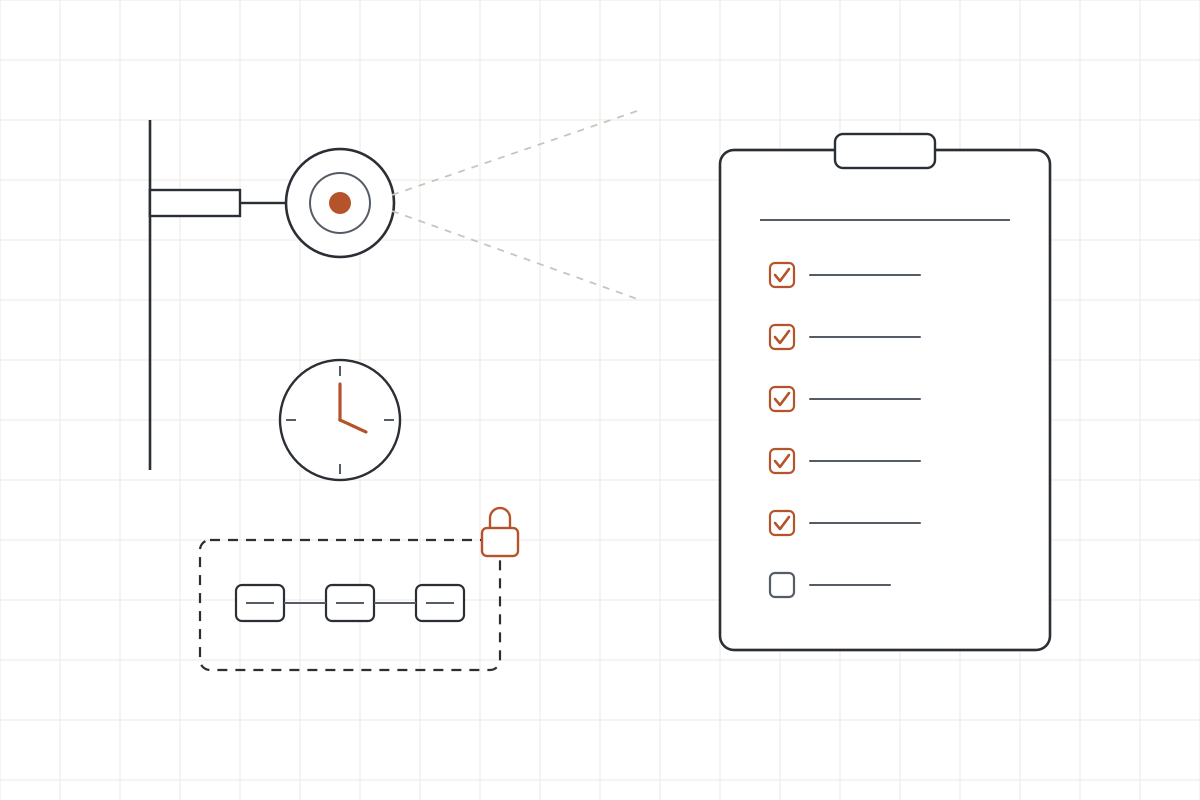
Getting a camera system to meet compliance requirements comes down to six things the frameworks and auditors actually check: the cameras cover the places the rule names and the footage is kept long enough, the clocks are right, nobody can reach a camera with a default or shared password, the firmware is current and the brand is allowed, the cameras sit on their own network segment, and you can prove all of it with records. Do those six and PCI DSS, HIPAA, CMMC, the NDAA rules and a cyber insurance questionnaire are all satisfied by the same work.
This is written for the owner or operations lead in Arizona who has a camera system, usually installed by an integrator a few years ago, and now has a form in front of them: a PCI self-assessment, a HIPAA risk analysis, a CMMC gap assessment, a federal contract clause, or an insurance renewal. The frameworks are quoted below so you can see the actual wording instead of a vendor’s version of it.
What each framework actually asks of a camera system
Most of the rules say less about cameras than people assume, and the part they do say falls into two buckets: cameras as a physical control (watch the door), and cameras as network devices (patch the box). Here is the wording that matters.
| Framework | What it says | What it means for your cameras |
|---|---|---|
| PCI DSS v4.0.1, Req. 9.2.1.1 | Physical access to sensitive areas in the cardholder data environment is “monitored with either video cameras or physical access control mechanisms” or both; the data is reviewed and correlated; it is kept at least three months unless law restricts it (PCI SSC document library) | Cameras on the server room and wherever card data is handled, 90 days of footage that really exists, and someone who reviews it |
| HIPAA Security Rule, 45 CFR 164.310(a) | “Implement policies and procedures to limit physical access to its electronic information systems,” with a facility security plan and access control and validation procedures as addressable specifications (eCFR) | Video is not named. Cameras are a common way to meet it. A camera on the network is itself a system HIPAA expects you to protect |
| NIST SP 800-171 (CMMC Level 2) | Rev 2, 3.10.2: “Protect and monitor the physical facility and support infrastructure for organizational systems.” Rev 3 renumbers it 03.10.02, Monitoring Physical Access (NIST SP 800-171) | Monitoring of the facility where CUI lives, plus review of the access logs, which includes footage |
| NIST SP 800-53 Rev 5 | PE-6(1): monitor physical access “using physical intrusion alarms and surveillance equipment.” IA-5 requires changing default authenticators before first use. SI-2: identify, report and correct flaws. CM-8: keep a component inventory (NIST SP 800-53) | The cameras are the surveillance equipment in PE-6(1), and they are also components that need inventory, patching and non-default passwords |
| NDAA FY2019 Section 889, FAR 52.204-25 | Covered equipment includes video surveillance equipment from Hikvision, Dahua and Hytera; contractors may not provide the government “any equipment, system, or service that uses” it as a substantial or essential component (acquisition.gov) | If you sell to the federal government, those brands have to go. The FCC also stopped authorizing new models from those vendors in November 2022 (FCC Covered List) |
| CJIS Security Policy | The current policy carries the same NIST physical-access monitoring controls for anywhere criminal justice information is handled (FBI CJIS resource center) | Same work as 800-53 PE-6 above, with the agency’s auditor checking it |
| Cyber insurance | Questionnaires vary by carrier. The questions that touch cameras are the general ones: default passwords changed, devices patched, network segmented, remote access controlled | Nobody asks about cameras by name. They ask whether every device on your network meets those four, and cameras are devices |
Two things stand out. First, only PCI puts a number on retention. Everyone else expects you to set a period in policy and prove you keep to it. Second, four of the seven rows are really about the camera as a computer on your network, which is where most camera systems we see fall down.
The six controls, in order
1. Coverage and retention that actually exist
Start with the rule’s own list of places: server room, card-handling areas, records storage, the room where CUI is processed. Confirm a camera covers each one with a usable view, not a corner of it. Then confirm retention two ways: the recorder’s setting, and a pull of the oldest footage it holds. A full or failing disk shortens retention silently, and a camera that is online but not recording looks fine on every dashboard until the day someone asks for January. For PCI the floor is three months. For everything else, write the number into your policy and check it monthly.
2. Clocks that agree
Footage is evidence, and evidence with the wrong time stamp is footage a lawyer can take apart. Every camera and recorder should take its time from the same trusted source, and someone should check the actual offset, not just that a time server is configured. Cameras drift when a firewall change blocks the time server, when a camera is swapped, or when daylight saving settings differ by device. NIST 800-53 treats time stamps as part of the audit trail for the same reason.
3. No default or shared passwords
This is the control that fails most often on the internal tests we run, and it is the one an auditor can check in thirty seconds. Every camera and recorder needs its default password changed before it goes live (IA-5 says so in as many words), a unique credential per device or at least per site, and the installer’s shared account removed when the project closes. If a former technician’s password from the install still opens forty cameras, that is a finding under every framework in the table, and it is how a camera becomes someone else’s.
4. Current firmware and an allowed brand
Keep a list of every camera, its model and firmware version (that is CM-8), and patch on a schedule (SI-2). This is not theoretical for cameras: CISA’s alert on CVE-2021-36260 in Hikvision cameras noted that “a remote attacker could exploit this vulnerability to take control of an affected device” (CISA), and unpatched cameras are a staple of the botnets that run denial-of-service attacks. If you sell to the federal government, the brand question comes first: Hikvision, Dahua and Hytera equipment has to come out of any system you provide to the government under FAR 52.204-25. For a private business they are not illegal, but they are harder to keep patched now that the FCC no longer authorizes new models.
5. Their own network segment
Cameras belong on a VLAN of their own with a firewall rule set that lets the recorder and the management workstation reach them and nothing else. No path from the camera network to the cardholder environment, the electronic health record or the file server. No camera reachable from the internet, which means turning off the cloud and peer-to-peer features most consumer-grade cameras ship with unless you have a documented reason to keep them. This is the control a penetration test is best at verifying, because a tester standing on the camera VLAN finds out in an afternoon whether it is really separate.
6. Records you can hand over
Every framework in the table ends in evidence. For cameras that means: the coverage list, the retention policy and a monthly check that it holds, the time-sync check, the credential inventory showing defaults were changed and when, the firmware inventory and patch log, the network diagram showing the segment and rules, and a review log for the footage itself (PCI asks that the data be reviewed and correlated, and 800-171A asks for a defined review frequency). None of this needs special software to start. A spreadsheet and a calendar reminder satisfy an auditor as long as the entries are real.
Where a penetration test fits
Controls 3, 4 and 5 are the ones a test proves. On an internal penetration test we sit on your network the way an outsider who got past the front door would, and cameras come up regularly: a default password still in place, a recorder running firmware with a public exploit, or a camera VLAN that routes straight into the rest of the building. On a wireless assessment, wireless cameras and their management access get the same look. The report tells you which cameras, which finding, and what to change, in plain English, and the retest to confirm the fix is included in every tier.
One honest limit: a test is a point in time. It tells you the camera system was in good shape on the day. Keeping it that way, especially controls 1, 2 and 4 across a few hundred cameras, is a monitoring job, and ordinary network monitoring tools see only whether a camera answers a ping. Our parent company covers that gap and the tools built for it in what network monitoring misses on security cameras, including MentatNOC, a platform that reads the camera itself for time, firmware, credentials, certificates and recording health and keeps the evidence record.
Frequently asked questions
Does PCI DSS require security cameras?
PCI DSS v4.0.1 Requirement 9.2.1.1 says individual physical access to sensitive areas in the cardholder data environment is monitored with video cameras or physical access control mechanisms, or both, that the data is reviewed and correlated with other entries, and that it is kept at least three months unless law restricts it. Cameras are one way to meet it, not the only way.
Does HIPAA require security cameras?
No, not by name. The Security Rule at 45 CFR 164.310(a) requires policies and procedures that limit physical access to systems holding electronic patient data, with a facility security plan and access validation procedures as addressable specifications. Cameras are a common way to meet that. If the cameras themselves sit on the network, they also need the same patching and password care as any other device.
Are Hikvision and Dahua cameras illegal?
Not for a private business. Section 889 of the 2019 NDAA, carried out through FAR 52.204-25, bars federal agencies from buying them and bars contractors from providing the government systems that use them as a substantial component. Since November 2022 the FCC has also stopped authorizing new models. If you hold or want a federal contract, replace them. Otherwise, patch them and keep them off the internet.
How long do we have to keep security camera footage?
It depends on who is asking. PCI DSS sets a floor of three months for footage of sensitive areas in the cardholder environment. HIPAA, CMMC and NIST 800-171 do not set a number for video; your own policy does, and the auditor checks that you follow it. Pick a period you can actually store, write it down, and verify the recorder is really holding that much.
Security camera compliance requirements, settled once
The same six controls satisfy every framework that touches your cameras: coverage and retention you have verified, synchronized clocks, no default or shared passwords, current firmware on an allowed brand, a segment of their own, and records of all of it. Most of the work is a weekend with the integrator and a spreadsheet. The part that needs an outside set of eyes is proving the passwords, firmware and segmentation hold up against someone who is actually trying. Not sure where your camera system stands? Tell us a little about the site and what is prompting the question, and we will come back with a fair, fixed quote. Request a quote.
Want to know where you stand?
Tell us a little about your business and what is prompting the test. We will come back with a fair, fixed quote.
Request a quote